Whose name appears where? A Dubai developer record field guide
Dubai Land Department's Project Status Enquiry accepts three search identifiers, but the result names the developer for one project, not every company behind a consumer brand. The clean method is to preserve the exact name and number from each official surface, then join records only where a shared identifier supports the link (DLD, checked 27 September 2026).
The answer: keep each official name in its own column
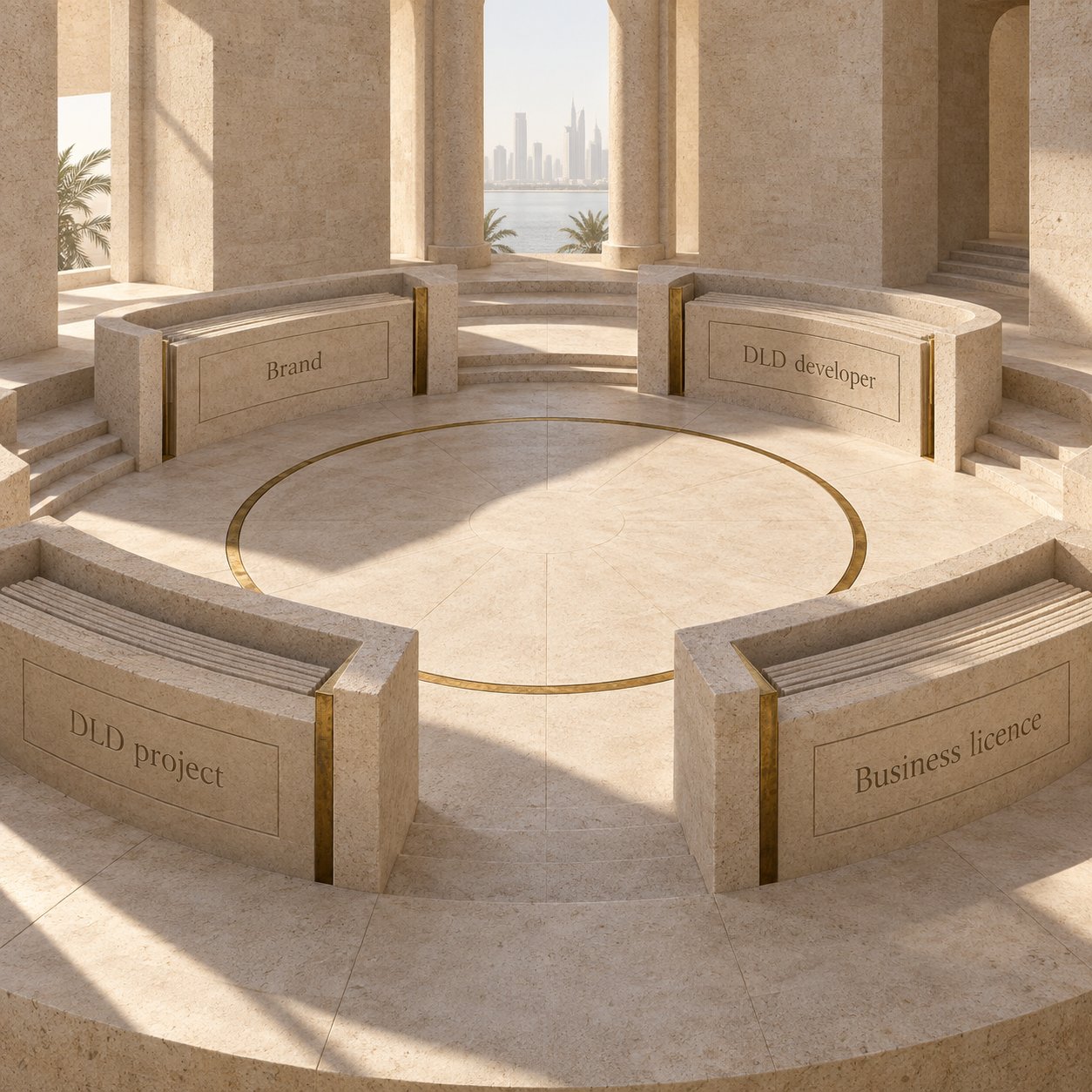
The useful question is not simply, Who is the developer? It is, Which official surface names which entity for this exact purpose? One familiar brand word can appear across several records without making those records interchangeable.
The strongest match is an exact project number or licence number carried between records. A similar spelling is a search lead. It is not the join itself.
Start with the DLD developer entry
DLD's Licensed Developers service is the company-level starting point. DLD describes it as the list of real estate developers approved by the Land Department and states that the information is available immediately through its website or Dubai REST app (DLD, checked 27 September 2026).
Search the exact name printed on the material you hold. Preserve the DLD spelling, the page URL and the date. If the interface supplies a licence or developer identifier, keep it beside the name. Do not shorten the result to the consumer brand in your notes.
This entry answers a narrow question: whether the displayed company appears on DLD's approved-developer surface at that time. It does not show which company DLD names for every project marketed with a related word. That next question belongs to the project record.
For a broader sequence that also covers DLD-issued permits and project escrow fields, use the sibling developer licence and project-record workflow. The present guide stays with the name fields and their limits.
Use Invest in Dubai for the business-licence identity
Invest in Dubai is the separate company-licence surface. Its Search License Information page accepts four search inputs: licence number, Dubai Unified Licence number, English business name or Arabic business name (Invest in Dubai, checked 27 September 2026). A Dubai Unified Licence, or DUL, is the identifier named by the official portal for its business search.
Use the most specific input available. A licence or DUL number is a cleaner lookup key than a shortened brand name because it points to one submitted identifier. Save the legal business name and number exactly as the official result displays them.
The interface was protected by hCaptcha when checked on 27 September 2026. That screen is a search gate, not a company result. If the verification challenge has not been completed, leave the result blank rather than treating a search snippet or empty state as licence evidence.
The resulting company identity remains separate from DLD's property records. A business-licence result does not, by itself, show that DLD approved the company as a real estate developer or attached it to the project being compared.
Move to the exact DLD project record
DLD's Project Status Enquiry is where the project and its named developer meet. The service accepts three identifiers, land number, project number or project name, and DLD describes the result as project completion percentage and details for Dubai (DLD, checked 27 September 2026).
The result interface exposes project number, units, registration and start fields, completion, property location, developer name and number, management-company fields and escrow labels (DLD interface, checked 27 September 2026). Preserve the project number, project name, developer name and developer number as one dated row.
If a marketed name returns several results, keep the candidates separate. Match the project number or land details against the supplied papers before selecting one. Do not merge records because they share a brand word or community name.
DLD's Register Project service explains the system boundary from the developer side: a real estate development company submits the project through Oqood and opens an escrow account for off-plan sales (DLD, checked 27 September 2026). Oqood is the portal DLD names for project registration. That process explains why the project row is its own evidence layer. It does not make a project-name search a substitute for the company or transaction record.
Official example: one search word, two developer rows
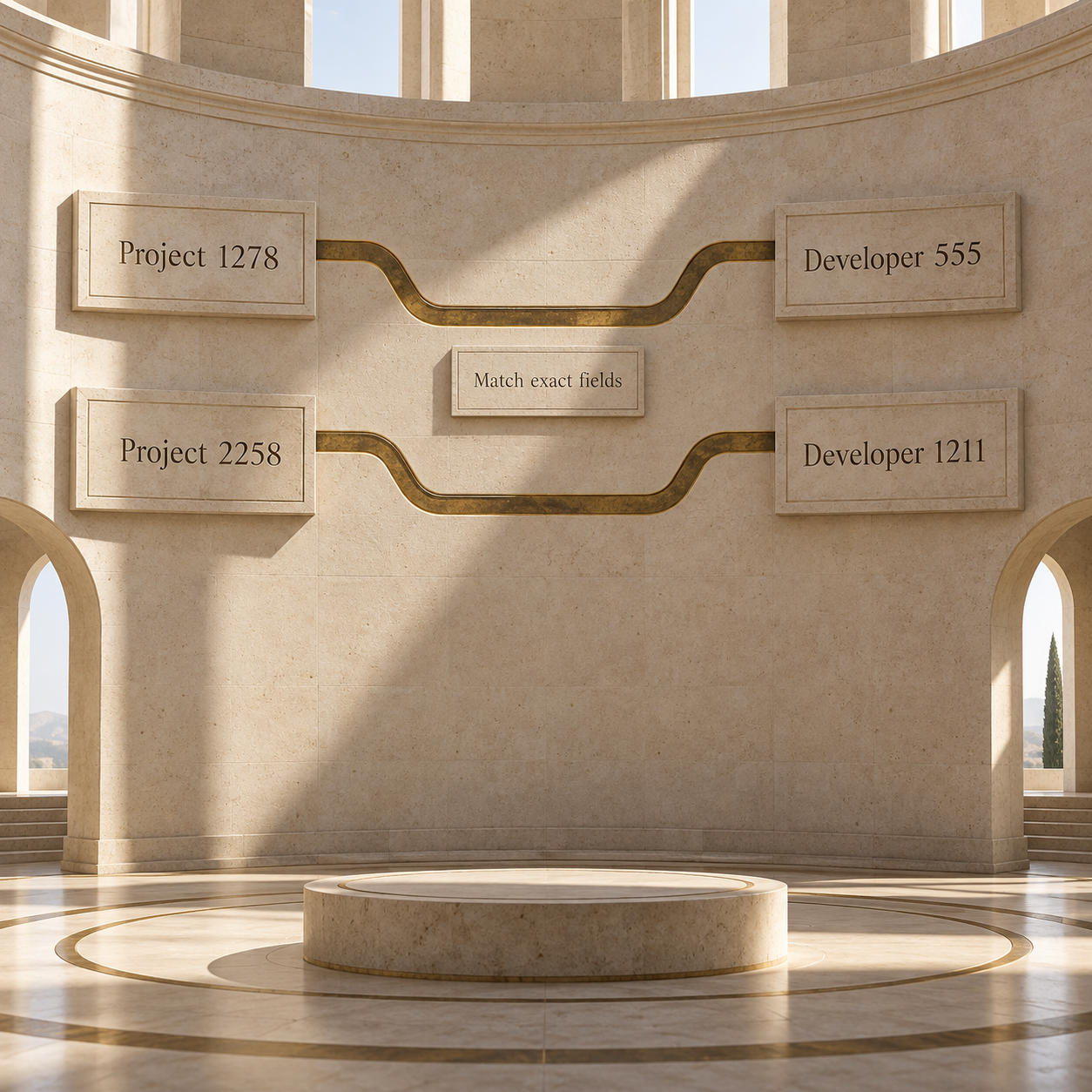
A live search for Emaar in DLD's Project Status Enquiry returned project records carrying different legal developer names and developer numbers on 27 September 2026. Two finished records make the name-field distinction visible without turning it into a company ranking.
Source: DLD Project Status Enquiry, anonymous live responses timestamped 27 September 2026 at 04:07:36 +04:00. The raw responses are preserved with this article's source notes.
The comparison establishes only what those two selected DLD rows displayed at that time. It does not establish the ownership relationship between the two companies, which entity controls a brand, or which legal entity appears in a buyer's papers. Those questions require their own current company and document evidence.
The two 100% fields are also project-specific. They do not prove that a different project is complete, that an individual unit was handed over, or that a contractual obligation was satisfied. The correct reading is narrower: on the check date, DLD displayed those values for project 1278 and project 2258.
Build the verification file in five steps
The practical file moves from the marketed name to the exact official identifiers, then back to the supplied transaction papers. Each step preserves what the source actually says.
Write down the marketed name
Copy the developer brand, project name and phase exactly as shown on the official consumer-facing page or supplied material. Treat these as search terms, not registry findings.
Capture the DLD developer entry
Search DLD's Licensed Developers service. Save the exact displayed company entry, any identifier shown, the URL and the 27 September 2026 check date or the date of your later check.
Capture the business licence result
Use Invest in Dubai with the licence number, DUL number or full business name. Save the legal name and number returned after the verification challenge. Do not use the challenge page itself as evidence.
Capture the project row
Search DLD by project number where available. Save the project number, registered project name, developer name and developer number in one row. Keep status, completion and escrow fields attached to that same project.
Compare only exact fields
Compare the saved legal names and identifiers with the transaction documents supplied for the purchase. Where a name or number does not join cleanly, record the mismatch as an open verification point for DLD or a licensed professional. Do not resolve it through an assumed group relationship.
The next stage is a separate analysis. The developer completion-record table method explains how to compare dated project evidence after the identity and project joins are fixed. Keeping the steps separate prevents a company-name lookup from being mistaken for a delivery history.
Stop at the edge of each record
An official result is strongest when it is read narrowly. The DLD developer list supports the company entry it displays. Invest in Dubai supports the licence identity returned for the submitted input. The DLD project row supports the named project, developer and project fields displayed at that check time.
None of those surfaces alone proves a parent-subsidiary relationship, brand control, project-wide contractual responsibility or the status of a different project. A shared word can help locate records, but it cannot replace an identifier.
The same boundary applies to completion. A status or percentage belongs to the selected project row and date. It should not be carried over to another phase, a similarly named tower or an individual unit. Preserve the source, field, identifier and date together, and the evidence remains clear enough for the reader to check again.
FAQ, checked 27 September 2026
How do I check whether a Dubai developer is registered?
Use DLD's Licensed Developers service and preserve the exact company entry and check date. As of 27 September 2026, DLD described the service as its list of approved real estate developers.
Can I search a Dubai company by business name?
Yes. As of 27 September 2026, Invest in Dubai's Search License Information accepted an English or Arabic business name, licence number or DUL number. The verification challenge must be completed before treating the returned page as a company result.
Does the DLD project developer name have to match the brand?
Do not decide from visual similarity alone. Save the project's DLD developer name and number, then compare those exact fields with the current company record and supplied transaction documents.
Does a 100% DLD completion ratio prove that my unit was handed over?
No. In the two examples checked on 27 September 2026, 100% was a field on each selected project row. It is not evidence of an individual unit handover or a conclusion about the buyer's contract.
What should I save from a DLD project search?
Save the project number, registered project name, developer name, developer number, relevant project fields, source URL and check date together. DLD accepted land number, project number or project name as search inputs on 27 September 2026.